

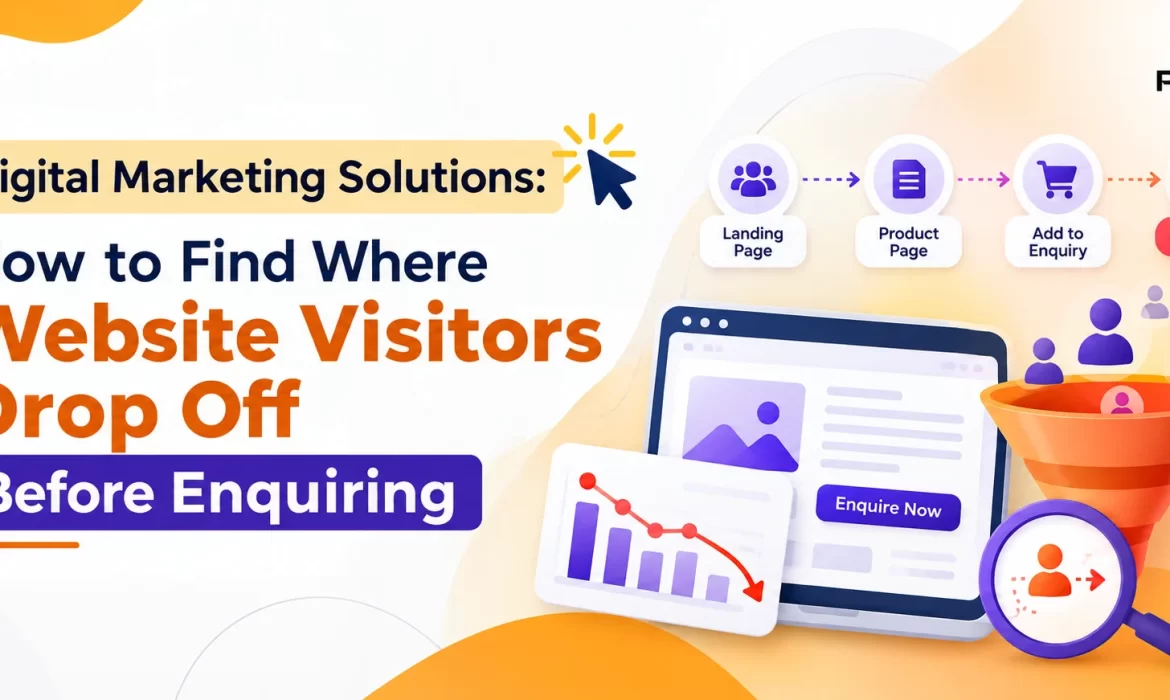
Website Visitors Drop Off Before Enquiring is a common challenge for businesses that invest in digital marketing but struggle to generate consistent leads. A website may attract visitors through Google search, paid ads, and social media, yet only a small percentage fill in an enquiry form, call the business, or request a quotation.
The problem is not always a lack of traffic. Visitors may leave because they cannot find the information they need, run into a confusing layout, doubt the business, or struggle to complete the enquiry itself.
The right digital marketing solutions help you find these obstacles, understand visitor behaviour, and improve the journey from first click to final enquiry. The process below works the same whether you manage it in-house or with a lead generation agency in Chennai.
Why Website Visitors Leave Without Enquiring
Not every visitor intends to contact a business straight away. Some are researching, comparing prices, or simply learning. But when interested visitors repeatedly leave without acting, the cause is worth investigating.
For example, someone searching for a digital marketing agency may land on a service page expecting SEO services, pricing, past results, and consultation options. If the page offers only a general company introduction, that visitor will likely return to Google and try another agency.
Most causes fall into six groups: unclear messaging, poor navigation or mobile usability, weak calls to action, too little trust, slow loading, and complicated forms. The section on conversion problems below covers each one. The key is to find out which ones affect your website instead of changing things based on assumptions.
Ready to Grow Your Business Online?
Build a stronger digital presence with a strategy designed around your business goals.
How to Identify Where Visitors Drop Off
Finding the exact point where visitors abandon the enquiry process takes more than checking total traffic or bounce rate. You need to examine the complete journey, from the landing page to the enquiry action.
Step 1: Check Landing Page Performance
Start with Google Analytics 4 (GA4) to see which pages attract visitors and how they engage. Look at these metrics:
- Sessions: how many visits a page receives.
- Engagement rate: the percentage of sessions that qualify as engaged sessions.
- Average engagement time: how long visitors actively engage with the site.
- Key events: whether visitors complete important actions, such as submitting a form or clicking a tracked phone number.
- Session source or medium: where visitors come from, such as organic search, paid search, or social media.
Suppose your service page receives 1,500 sessions a month but generates only five enquiries. That points to a conversion problem, but the figures alone do not explain why visitors leave. Check whether they engage with the page, scroll through the content, click the enquiry button, or leave without interacting.
Tip: Compare similar landing pages. If one service page generates more enquiries despite receiving less traffic, study its content, calls to action, and overall experience.
Step 2: Track the Enquiry Funnel
An enquiry funnel shows the steps visitors take before contacting your business. A typical journey looks like this:
Google Search → Service Page → Enquiry Button → Contact Form → Successful Submission
Track each step to see where the largest share of potential customers disappears.
| Funnel Stage | What to Measure | Possible Problem |
|---|---|---|
| Landing Page | Sessions and engagement | Content does not match search intent |
| Enquiry Button | Button clicks | CTA is hard to find or unconvincing |
| Contact Form | Form starts and completions | Form is complicated or unclear |
| Form Submission | Successful submissions | Validation or technical errors |
| Sales Follow-up | Qualified leads | Enquiries are not handled well |
For example, if 200 visitors click an enquiry button but only 30 submit the form, the form stage deserves a closer look. Do not assume all 170 others hit a technical fault, though. Some will have changed their minds or decided they were not ready.
Step 3: Use Heatmaps and Session Recordings
Analytics tells you what visitors do. It may not tell you why. Tools such as Microsoft Clarity fill that gap through heatmaps and session recordings.
Heatmaps help reveal:
- Which areas receive the most clicks.
- How far visitors scroll down a page.
- Whether important buttons attract attention.
- Whether users keep clicking elements that are not interactive.
Session recordings show usability problems, such as visitors struggling to open a menu, clicking a broken button, or abandoning a form after an error.
Example: Your enquiry button sits near the bottom of a long service page, and a scroll heatmap shows most visitors never reach it. Moving a clear CTA higher, and repeating it after the main service benefits, makes the next step easier to find.
Use recordings responsibly. Mask sensitive information, respect privacy requirements, and avoid collecting unnecessary personal data.
Five Common Website Conversion Problems
Once you know which pages lose visitors, look for the underlying cause.
1. The Landing Page Does Not Match Search Intent
A visitor searching for “SEO services for manufacturing companies” expects information relevant to that need. Sending them to a generic homepage creates a gap between what they wanted and what they see.
Solution: Build focused landing pages that address the specific service, audience, problem, and expected outcome.
2. Your Call to Action Is Too Generic
Buttons such as “Submit” or “Click Here” say little about what happens next. Try specific wording instead:
- Request a Free Consultation
- Get a Project Estimate
- Speak to Our SEO Team
- Request a Product Quotation
Choose wording that reflects the real next step, and only promise a free consultation or estimate if your business offers one.
3. The Enquiry Form Asks for Too Much
A form that wants a name, company, designation, address, budget, phone number, email, and project details creates friction before the visitor has even spoken to you.
Solution: Ask only for what you need to respond well. For a service enquiry, a name, a phone number or business email, and a short description of the requirement is usually enough. If you need more, explain why.3. The Enquiry Form Asks for Too Much
4. The Website Performs Poorly on Mobile
A page can look excellent on a desktop and still be hard to use on a phone. Common faults include small buttons, overlapping sections, intrusive pop-ups, slow loading, and awkward forms.
Solution: Test key landing pages on real mobile devices. Check button visibility, text readability, form usability, and loading speed with Google PageSpeed Insights.
5. Visitors Do Not Have Enough Reasons to Trust You
People hesitate to share their details when they cannot verify that a business is credible. Depending on your industry, useful trust signals include:
- Relevant customer testimonials
- Genuine case studies with measurable results
- Product specifications or detailed service information
- Clear contact details and company information
- A transparent explanation of what happens after an enquiry
Trust signals should support real claims, not exaggerated promises.
How to Use Analytics to Find Lost Leads
A structured investigation lets you find conversion problems without changing several website elements at once.
Use GA4 and Google Search Console Together
These tools answer different questions. GA4 shows what visitors do after they arrive. Google Search Console shows how your site performs in Google Search, including impressions, clicks, queries, and landing-page performance.
For example, Search Console may show that a service page earns many clicks for a commercial keyword, while GA4 shows that the same page produces very few enquiries. That tells you to examine the page experience and conversion journey instead of spending more on traffic.
Check Your Conversion Tracking First
Before drawing conclusions, make sure your measurement works.
- Track successful form submissions as key events in GA4.
- Separate successful submissions from button clicks.
- Track phone and email interactions where technically appropriate.
- Check whether repeated submissions or internal testing inflate your figures.
- Compare traffic sources and landing pages over consistent date ranges.
- Confirm that form submissions actually reach the business.
A button click is not a successful enquiry. Treating the two as equal can make an underperforming website look better than it is.
Calculate Your Enquiry Conversion Rate
Enquiry Conversion Rate = (Number of Enquiries ÷ Website Sessions) × 100
For example, 40 enquiries from 2,000 sessions gives (40 ÷ 2,000) × 100 = 2%.
This measures your own performance. It is not a universal benchmark, because a healthy rate depends on industry, traffic quality, service price, customer intent, and how you define an enquiry. Track it over time and compare similar landing pages instead of chasing an industry-wide target.
Practical Ways to Improve Lead Generation
Once you know where visitors leave, prioritise changes by their likely business impact.
Start with High-Traffic, Low-Conversion Pages
If a page already draws steady visits from the right audience but rarely produces an enquiry, fixing it will pay off faster than polishing a page that few people see. Begin with pages that have commercial intent: service pages, product pages, and quotation request pages.
Improve Content Before Redesigning
A full redesign is not always necessary. Check whether each key landing page clearly explains what the business offers, who it is for, what problem it solves, why the visitor should consider you, and what to do next. Then add details that help people decide, such as project examples, service coverage, implementation steps, specifications, or answers to common buying questions.
Run Controlled Tests
Change one meaningful element at a time where possible. For example, compare “Contact Us” with “Request a Consultation.” Measure successful enquiries, not clicks alone, and where traffic allows, run a properly designed A/B test for long enough to collect meaningful data. If traffic is limited, make evidence-based improvements and watch results over a longer period instead of declaring a winner after a few conversions.
Connect Marketing Performance to Lead Quality
More enquiries do not automatically mean better results. Track whether enquiries become qualified leads, sales opportunities, and customers. A page that brings fewer but more relevant enquiries can be worth more than one that attracts many unsuitable prospects. This is where digital marketing, website optimisation, and sales feedback need to work together.
Know When to Bring in Outside Help
You can run this diagnosis yourself, but it takes time and a trained eye. A lead generation agency in Chennai can help when your tracking is unreliable, when you cannot tell which landing pages convert, or when your team has no time for steady testing. Ask any agency to audit your tracking and funnel before it quotes, and to explain how it defines a qualified lead.
Real-World Example: Turning Website Traffic into Enquiries
Consider a hypothetical B2B equipment supplier with 3,000 monthly sessions and 24 enquiries. Its enquiry conversion rate is 24 ÷ 3,000 × 100 = 0.8%.
After reviewing its analytics, the marketing team finds three issues:
- Visitors land on a general product page instead of one that matches their requirement.
- The quotation button is hard to find on mobile.
- The enquiry form asks for details that are not needed for a first quotation request.
The team builds a more focused product landing page, makes the mobile CTA more visible, and simplifies the form. Suppose the site then receives 30 enquiries from 3,000 sessions. The new rate is 30 ÷ 3,000 × 100 = 1%, which is six extra enquiries and a 25% increase over the original 24.
These figures are illustrative, not guaranteed results. Actual improvement depends on traffic quality, implementation, demand, and visitor behaviour. The lesson holds regardless: improving the conversion journey can increase enquiries without first increasing traffic.
Frequently Asked Questions
Why do website visitors leave without submitting an enquiry?
How can I find the exact page where visitors drop off?
Can SEO help reduce website visitor drop-offs?
How soon will enquiries improve after I make changes?
Should I increase website traffic if enquiries are low?
Conclusion
Finding where website visitors drop off before enquiring takes a mix of analytics, behaviour analysis, technical checks, and practical improvements.
Start by identifying underperforming landing pages, mapping the enquiry funnel, checking form functionality, and reviewing the mobile experience. Then prioritise changes based on evidence and measure their effect on successful enquiries and lead quality.
Good digital marketing does more than attract visitors. It finds what stops potential customers from acting and removes those barriers one by one.
Treat conversion optimisation as an ongoing process, and your existing traffic will work harder for you.
Ready to Take Your Online Marketing to the Next Level?
Connect with our team and create a digital marketing strategy that supports your business growth.